
How Zoho ERP Streamlines Business Operations and Boosts Productivity
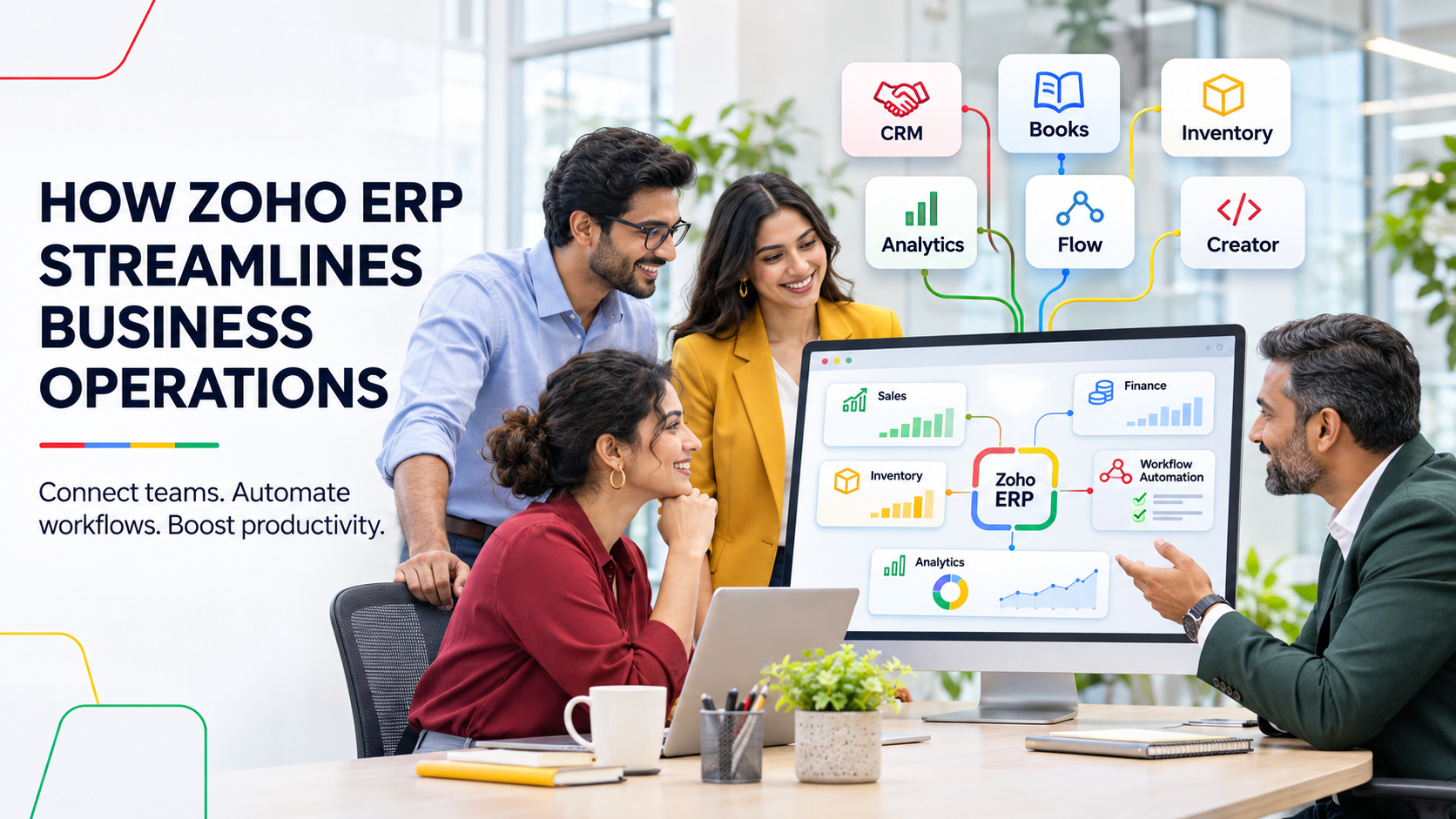
Simplify processes, automate workflows, and empower your business to grow smarter with connected Zoho applications and implementation support from AGSuite Technologies.
Managing multiple departments, employees, customers, inventory, and financial operations becomes more complex as a business grows. When teams depend on disconnected software, spreadsheets, and manual processes, the result is often slower operations, communication gaps, inconsistent data, and reduced productivity.
Zoho's integrated business applications help bring essential functions into a connected digital ecosystem. Organisations can simplify daily work, automate repetitive tasks, improve collaboration, and make more informed decisions using consistent business data.
As a Zoho Premium Partner, AGSuite Technologies helps businesses select, implement, integrate, and customise the right combination of Zoho applications for their operational requirements and long-term growth.
1. Centralise Business Operations with Connected Zoho Applications
Managing sales, finance, inventory, and customer information across separate systems creates unnecessary complexity. Employees may spend valuable time searching for information, switching between applications, or entering the same details into multiple platforms.
Zoho provides an extensive ecosystem of applications that can connect important business functions:
- Zoho CRM manages leads, customer relationships, sales activities, and opportunities.
- Zoho Books supports accounting, invoicing, expenses, payments, and financial reporting.
- Zoho Inventory supports stock tracking, order management, warehouses, and shipments.
- Zoho Analytics converts business data into reports, dashboards, and actionable insights.
When these applications are configured and integrated correctly, teams can access relevant information more efficiently, reduce duplicate data entry, and coordinate work across departments.
2. Automate Repetitive Work and Improve Productivity
Manual activities consume employee time and increase the possibility of errors. Lead assignment, follow-up reminders, approval routing, record updates, and data synchronisation can all slow everyday operations when handled manually.
Zoho Flow, Zoho Creator, and the workflow tools built into Zoho applications can automate common processes such as:
- Assigning new leads using predefined business rules.
- Sending customer notifications and follow-up reminders.
- Routing requests through structured approval processes.
- Synchronising information between connected applications.
- Creating alerts when important business events occur.
For example, a new enquiry captured in Zoho CRM can be assigned automatically to the correct sales representative based on territory, product, or another defined condition. The system can then schedule reminders so the opportunity receives timely attention.
3. Simplify Financial and Inventory Management
Financial accuracy and inventory visibility are essential for smooth operations. Poor coordination between finance and inventory teams can lead to stock discrepancies, delayed invoicing, and difficulty tracking expenses or payments.
Zoho Books helps manage invoicing, expenses, payment tracking, bank reconciliation, and financial reports. Zoho Inventory helps manage stock levels, purchase orders, sales orders, warehouses, and shipment tracking.
Connecting relevant finance and inventory workflows can reduce repetitive data entry and improve the consistency of operational information. This is useful for retail, manufacturing, distribution, professional services, and other growing businesses that need stronger control over transactions and stock.
4. Make Smarter Decisions with Zoho Analytics
Business growth depends on timely decisions. When information is scattered across applications and spreadsheets, understanding overall performance can become difficult and reporting often takes too long.
Zoho Analytics can combine data from multiple sources and present it through interactive dashboards, detailed reports, and visual insights. Business owners and department managers can monitor:
- Sales performance and revenue trends.
- Inventory movement and current stock levels.
- Customer acquisition and retention indicators.
- Financial performance, expenses, and cash-flow-related metrics.
- Department productivity and relevant business KPIs.
Consolidated dashboards reduce the time required to prepare reports manually and help management identify trends, operational challenges, and opportunities for improvement.
5. Improve Customer Experience and Team Collaboration
Customers expect timely responses, relevant communication, and consistent support. When interactions are spread across disconnected platforms, it becomes harder for teams to understand customer history and coordinate their next actions.
Zoho CRM provides a central place to organise customer information, sales opportunities, interactions, and follow-up activities. When connected with suitable Zoho marketing and support applications, it can help align customer-facing processes across departments.
Sales representatives can review interaction history, marketing teams can manage engagement activities, and support teams can track service requests using connected workflows. This shared visibility helps employees respond more efficiently and provide a more consistent customer experience.
6. Build a Scalable Zoho Business Ecosystem
As an organisation expands, growing customer volumes, employee numbers, transactions, and product lines require better coordination. A flexible application strategy allows the technology environment to evolve without adding unnecessary complexity all at once.
Businesses can begin with applications that address their immediate priorities and add further capabilities as requirements change. Zoho Creator can also be used to build custom applications and workflows for operational needs that standard applications do not fully cover.
The right combination of applications, integrations, governance, and automation creates a scalable ecosystem that can adapt alongside the business.
Why Choose AGSuite Technologies for Zoho Implementation?
Selecting software is only the first step. A successful Zoho implementation requires a clear understanding of current processes, operational challenges, integration requirements, user roles, and business objectives.
As a Zoho Premium Partner, AGSuite Technologies supports businesses with:
- Zoho consultation and business requirement analysis.
- Application implementation and configuration.
- Custom workflow development and process automation.
- Zoho application integration and customisation.
- Business process optimisation and solution mapping.
- User training and ongoing technical support.
Our approach begins with understanding how your business works today. We identify improvement opportunities and recommend suitable Zoho applications, integrations, and workflows based on real operational requirements.
Transform Your Business Operations with Zoho
Productivity is not about working longer hours. It comes from connected applications, well-designed workflows, reliable information, and technology that supports the way teams work.
Zoho provides a broad ecosystem of business applications that can help organisations simplify operations, reduce manual effort, improve collaboration, and gain useful business insights. With the right selection, integration, and implementation strategy, your organisation can reduce operational complexity and build a more efficient working environment.
Ready to Supercharge Your Sales?
Explore Zoho Commerce with AGSuite
“Learn how connected Zoho applications streamline sales, finance, inventory, analytics, and customer operations while improving business productivity”