01
Omnichannel Ticket Creation
Automatically capture and convert customer issues into tracked tickets from email, live chat, website portal, WhatsApp, and phone — all flowing into one unified queue.
Odoo Helpdesk manages tickets, support teams, channels, priorities, service-level rules, escalations, knowledge, and customer history. It is best for service organizations that need accountable support connected to customers, sales, subscriptions, field work, and billing. AGSuite configures intake, routing, SLAs, automation, migration, portals, integrations, reporting, and agent training as an official Odoo Partner. The final scope reflects your users, controls, data, localization, and deployment model.
Talk to an Odoo expert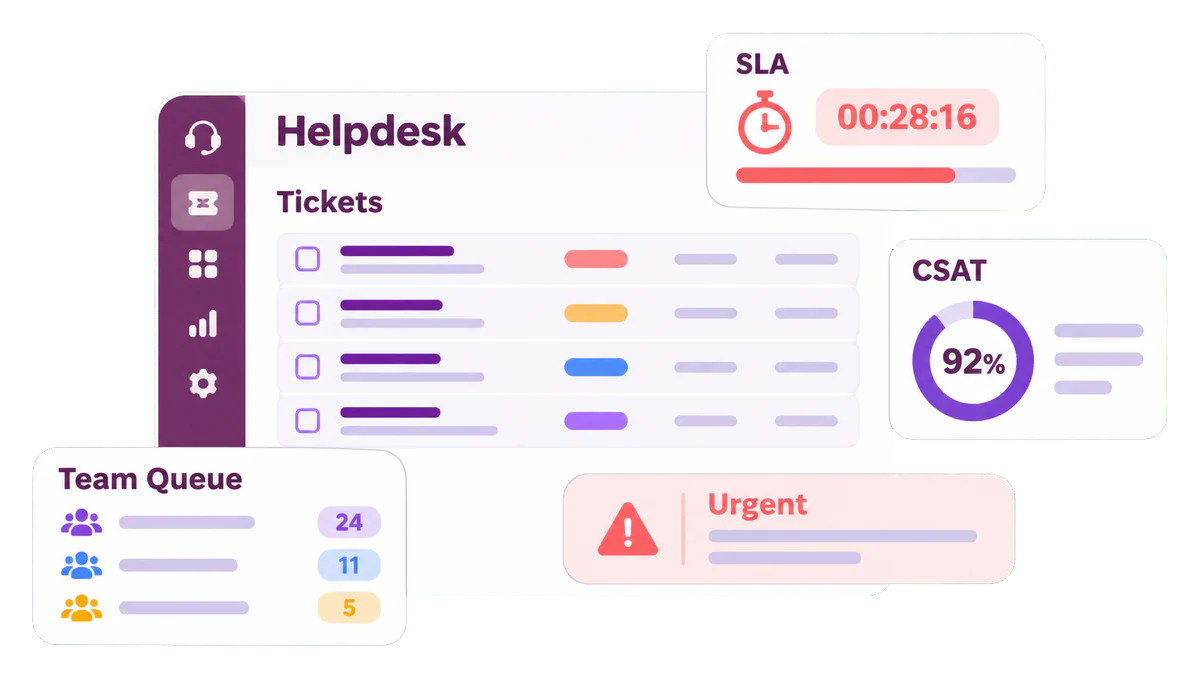
Best fit
Customer support teams, shared-service desks, SLA-based operations, multi-team routing, and portal-enabled service delivery.
Manage support tickets, teams, channels, priorities, SLA rules, escalations, knowledge, customer portals, and service reporting in one system.
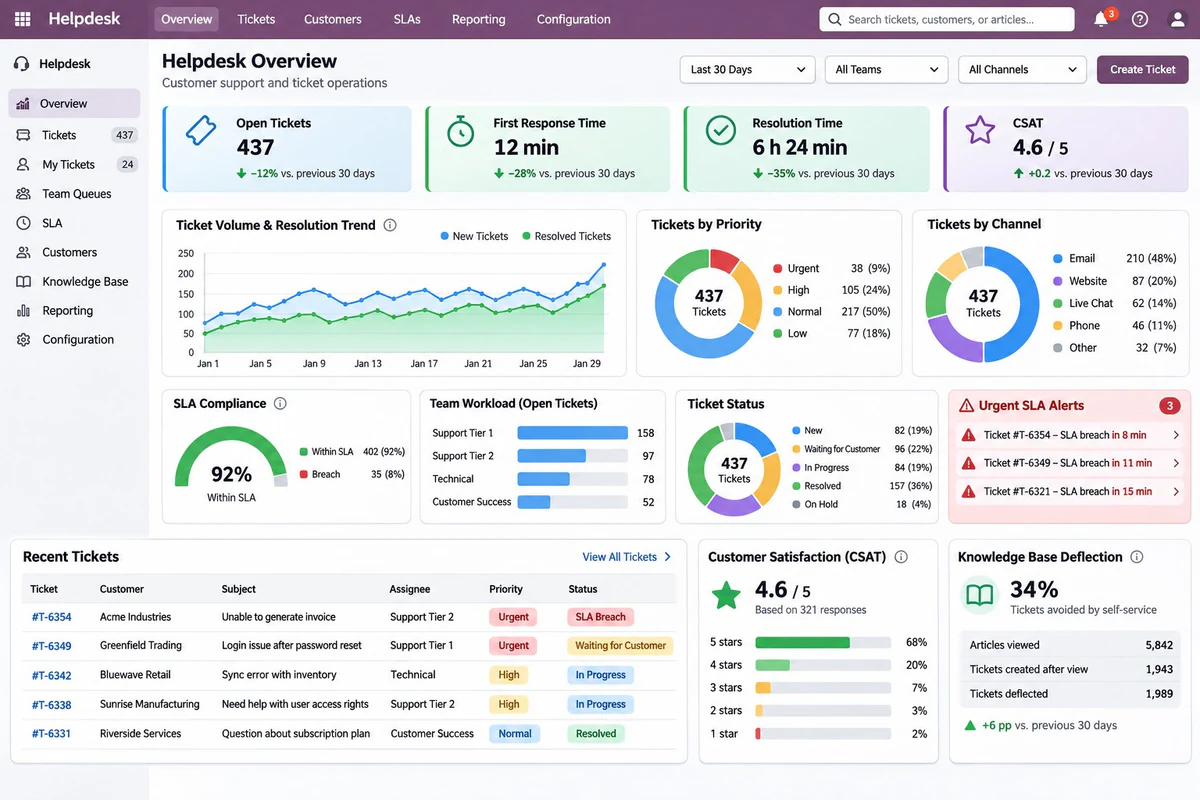
Odoo Helpdesk gives support teams a single command center for every customer interaction — whether it arrives by email, live chat, portal, or WhatsApp. Tickets are automatically routed to the right agent, SLAs are tracked in real time, and escalations are automated so no issue ever falls through the cracks.
Because Odoo Helpdesk connects directly to Sales, CRM, Manufacturing, and Accounting, your agents always have the full customer context — open orders, product history, warranties, and billing status — enabling faster, more informed resolutions without switching between systems.
Core capabilities
Start with the capabilities that support your critical workflow. Add the rest only when the process requires them.
Automatically capture and convert customer issues into tracked tickets from email, live chat, website portal, WhatsApp, and phone — all flowing into one unified queue.
Define multi-tier SLA rules by team, ticket priority, or customer segment. Track first response, resolution time, and deadline compliance with colour-coded dashboards.
Route incoming tickets to the right team or agent using keyword rules, product category, customer tier, or round-robin balanced workload assignments.
Visualize support queues with customizable Kanban stages — New, In Progress, Waiting Customer, Resolved — and drag tickets through stages with chatter updates.
Configure time-based escalation triggers that automatically reassign tickets, notify managers, or increase priority when SLA deadlines approach or are breached.
Boost agent speed with pre-written canned responses for common queries and one-click macros that apply actions like stage change, priority update, and customer email simultaneously.
The standard Odoo Helpdesk app is an Enterprise capability. Community deployments require a third-party or custom alternative that needs separate assessment.
AGSuite verifies the edition, target version, hosting model, localization, dependencies, and custom modules before confirming scope. This prevents licensing assumptions and upgrade conflicts from entering the build.
| Technical factor | Requirement |
|---|---|
| Edition | The standard Odoo Helpdesk app is an Enterprise capability. Community deployments require a third-party or custom alternative that needs separate assessment. |
| Supported target versions | Odoo 18, 19, and 20. Module, localization, and custom-code compatibility must be validated for the target release. |
| Hosting | Odoo Online, Odoo.sh, or on-premise hosting. Custom code and integration requirements determine the suitable option. |
| Dependencies | Contacts, support teams, channels, categories, priorities, SLAs, working calendars, escalation ownership, and access roles are required. |
| Common integrations | Email, website forms, live chat, WhatsApp, telephony, field service, subscriptions, knowledge, customer portals, and external monitoring. |
| Data readiness | Customers, contacts, open tickets, categories, teams, owners, priorities, SLA rules, templates, knowledge articles, and selected history. |
These outcomes depend on process design, data quality, adoption, integration reliability, and the agreed implementation scope.
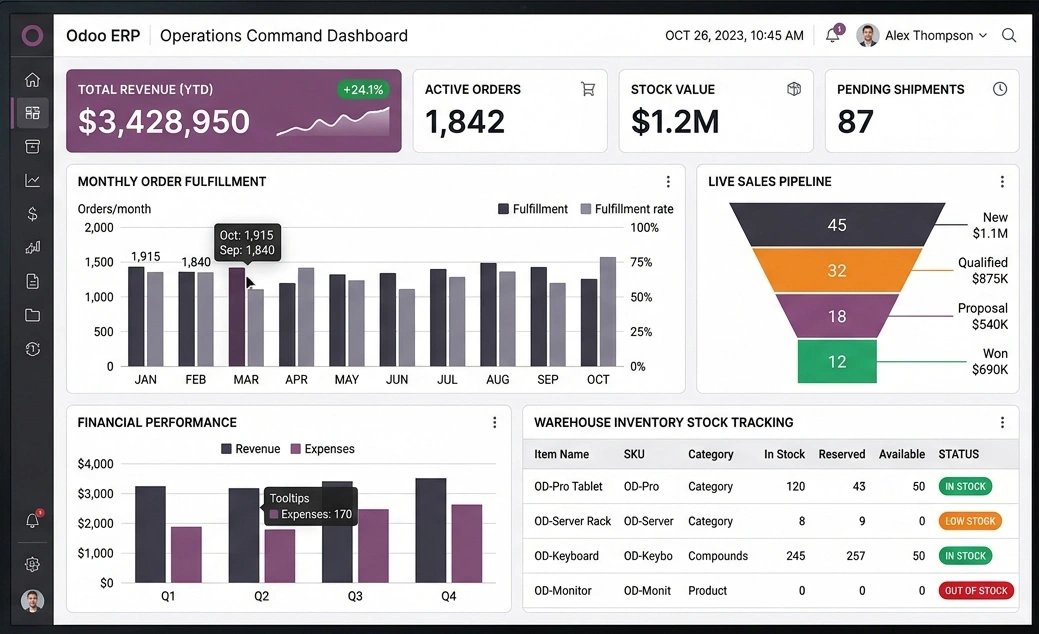
Equip agents with instant ticket context, one-click macros, canned replies, and automated routing so that no customer query sits idle waiting for manual assignment or response.
AGSuite is an official Odoo Partner. The implementation follows five controlled steps with named business owners, documented acceptance criteria, and production-readiness checks.
Confirm users, workflows, controls, data, integrations, reports, and measurable success criteria.
Define the target process, edition, hosting, configuration, security, migration, and test plan.
Set up the application in controlled iterations and review each workflow with process owners.
Complete data reconciliation, integration testing, role testing, user acceptance, and cutover rehearsal.
Train users, execute cutover, monitor adoption, resolve early issues, and prioritize improvements.
100%
Scoped critical workflows require test evidence
2+
Validation cycles when migration is in scope
5
Controlled implementation stages
Business outcome targets are agreed after baseline measurement. They are not presented as universal software guarantees.
Odoo Helpdesk is a full-featured customer support platform for managing, prioritizing, and resolving customer issues. It is ideal for software companies, e-commerce businesses, manufacturing firms with after-sales service, managed service providers, and any organization handling significant inbound support volume that requires SLA accountability and CSAT tracking.
Odoo Helpdesk allows you to define multiple SLA policies tied to ticket team, priority level, or customer segment — each with target deadlines for first response and full resolution. Tickets are colour-coded based on SLA status, and automated escalation rules can reassign, notify managers, or increase ticket priority when deadlines approach or are breached.
Odoo Helpdesk integrates with email (converting inbound messages to tickets), the Odoo Website customer portal, Odoo Live Chat, WhatsApp Business via a connector, and VoIP telephony. All channels feed into a single agent inbox so support teams maintain complete conversation history regardless of the channel used.
Yes. Odoo includes a native knowledge base module where you can publish structured help articles, troubleshooting guides, and FAQs for customers. Agents can be prompted to suggest relevant articles when creating tickets, and customers can search the knowledge base through the portal before submitting a ticket — reducing repetitive support requests significantly.
Support tickets can be linked to CRM leads or customer accounts so account managers have full visibility into support history when handling renewals or upsell opportunities. Tickets can also reference confirmed sales orders or product deliveries, enabling seamless after-sales service, warranty claims, and return merchandise authorization (RMA) workflows.
Yes. Agents can log time spent on tickets directly within the helpdesk module. For premium or paid support contracts, those logged hours can be transferred to Odoo Timesheets and billed to the customer through Odoo Invoicing based on an agreed hourly rate or support contract — no manual entry into a separate billing system is required.
After a ticket is resolved and closed, Odoo automatically sends the customer a short satisfaction survey via email. Responses are scored and aggregated into per-agent, per-team, and company-wide CSAT dashboards. Managers can filter by date range, team, or agent to spot trends, identify recurring issues causing dissatisfaction, and coach underperforming team members.
A standard Odoo Helpdesk rollout with AGSuite takes between 3 to 6 weeks depending on the number of support teams, SLA policy complexity, channel integrations (email, chat, WhatsApp), knowledge base setup, and any custom escalation workflows. We include full configuration, data migration, agent training, and a go-live support window in every engagement.

Get a scoped recommendation covering edition, applications, data, integrations, implementation effort, risks, and next steps.