01
Lead Capture & Assignment
Collect enquiries from your channels and route each lead to the right salesperson or team.
Odoo CRM gives sales teams one system for leads, opportunities, activities, email history, pipeline forecasts, and customer context. It is best for growing B2B sales teams that need structured follow-up without separating CRM data from quotations, invoices, marketing, or support. AGSuite configures the pipeline, access rules, automation, migration, integrations, and reporting as an official Odoo Partner. The final scope reflects your users, controls, data, localization, and deployment model.
Talk to an Odoo expert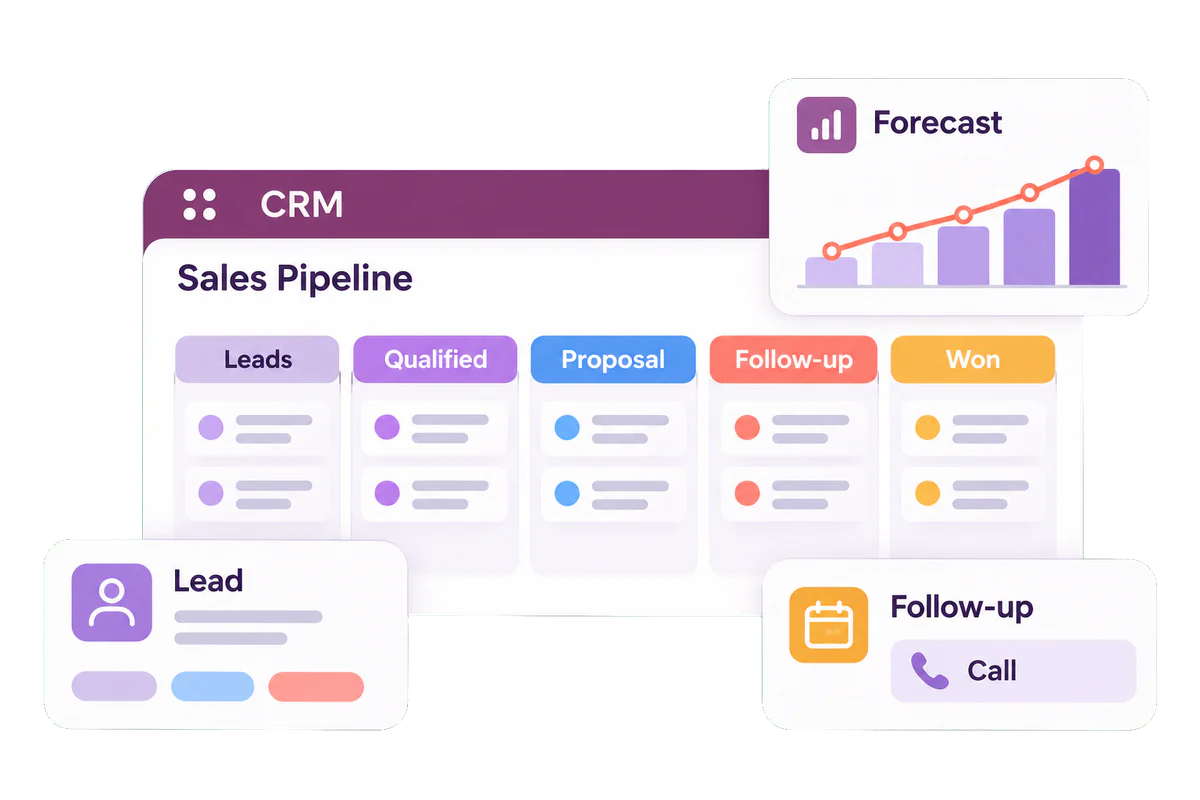
Best fit
B2B sales teams, multi-team pipelines, account-based selling, and businesses replacing spreadsheets or disconnected CRM tools.
Centralize leads, opportunities, activities, communication, forecasts, and customer context in a CRM connected to Odoo Sales, Marketing, Accounting, and Helpdesk.
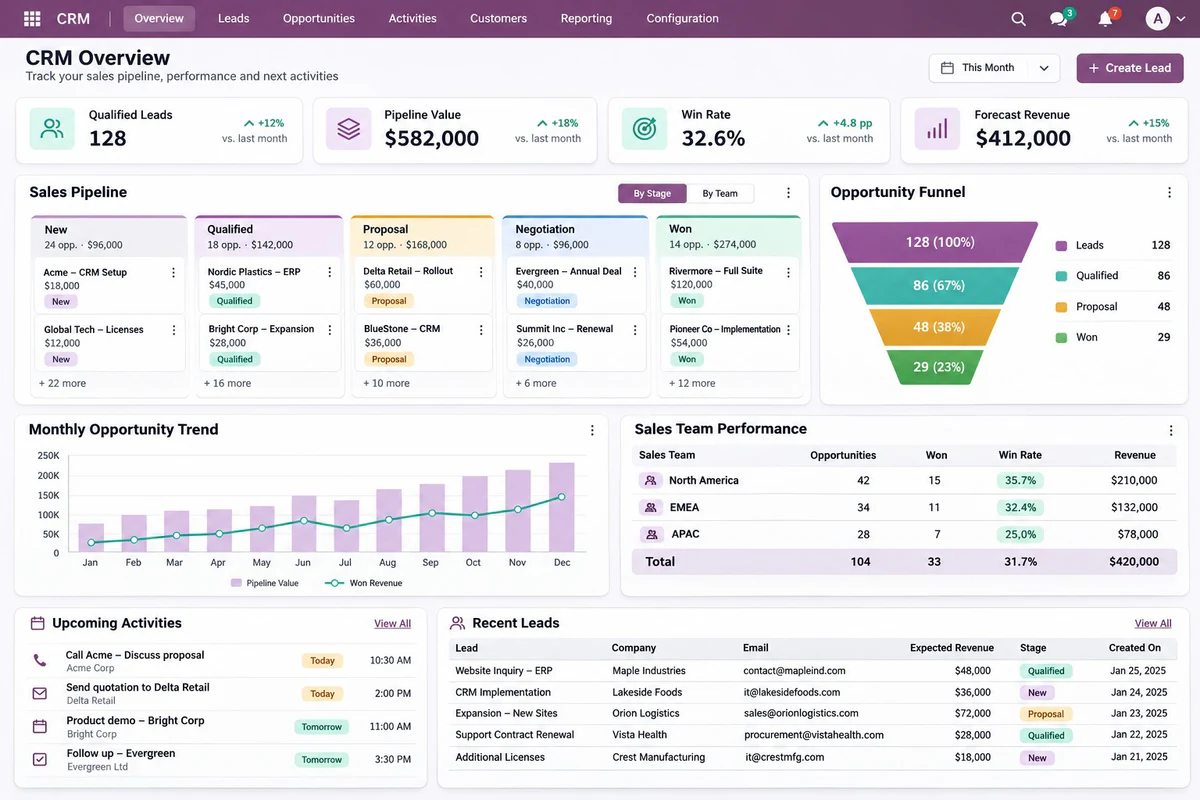
Odoo CRM gives sales teams one structured workspace for managing leads, opportunities, activities, communication, and pipeline visibility. It helps every seller understand what needs attention and what should happen next.
Because CRM can connect with Odoo Sales, Accounting, Marketing, Helpdesk, and other applications, your customer context does not stop when an opportunity is won. The same record can support the wider journey from first enquiry to ongoing service.
Core capabilities
Start with the capabilities that support your critical workflow. Add the rest only when the process requires them.
Collect enquiries from your channels and route each lead to the right salesperson or team.
Organize opportunities by stage and move deals through a clear, drag-and-drop sales process.
Plan calls, meetings, emails, and next actions so every opportunity has a visible follow-up.
Keep messages, notes, meetings, and customer context together on the opportunity record.
Prioritize prospects using relevant criteria, engagement signals, and team-defined qualification rules.
Structure ownership, targets, access, and reporting around your sales organization.
Community and Enterprise. Exact automation, mobile, hosting, and connected-app requirements should be confirmed before selection.
AGSuite verifies the edition, target version, hosting model, localization, dependencies, and custom modules before confirming scope. This prevents licensing assumptions and upgrade conflicts from entering the build.
| Technical factor | Requirement |
|---|---|
| Edition | Community and Enterprise. Exact automation, mobile, hosting, and connected-app requirements should be confirmed before selection. |
| Supported target versions | Odoo 18, 19, and 20. Module, localization, and custom-code compatibility must be validated for the target release. |
| Hosting | Odoo Online, Odoo.sh, or on-premise hosting. Custom code and integration requirements determine the suitable option. |
| Dependencies | Contacts is required. Sales, Email Marketing, Marketing Automation, and Helpdesk are optional connected apps. |
| Common integrations | Email servers, website forms, telephony, calendars, enrichment tools, marketing platforms, and external ERP systems. |
| Data readiness | Companies, contacts, leads, opportunities, stages, owners, activities, tags, sources, and agreed historical records. |
These outcomes depend on process design, data quality, adoption, integration reliability, and the agreed implementation scope.
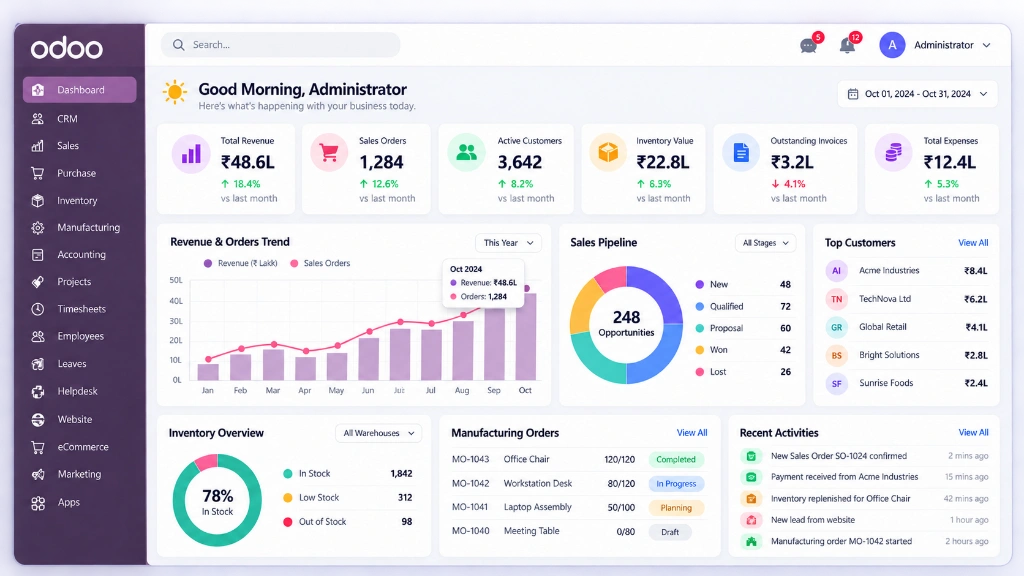
Give teams a shared view of the customer journey instead of spreading context across disconnected tools and inboxes.
AGSuite is an official Odoo Partner. The implementation follows five controlled steps with named business owners, documented acceptance criteria, and production-readiness checks.
Confirm users, workflows, controls, data, integrations, reports, and measurable success criteria.
Define the target process, edition, hosting, configuration, security, migration, and test plan.
Set up the application in controlled iterations and review each workflow with process owners.
Complete data reconciliation, integration testing, role testing, user acceptance, and cutover rehearsal.
Train users, execute cutover, monitor adoption, resolve early issues, and prioritize improvements.
100%
Scoped critical workflows require test evidence
2+
Validation cycles when migration is in scope
5
Controlled implementation stages
Business outcome targets are agreed after baseline measurement. They are not presented as universal software guarantees.
Odoo CRM is a customer relationship and opportunity management application for organizing leads, pipeline stages, activities, communication, forecasts, and sales reporting. It can connect with other Odoo applications so customer information continues into quotations, invoicing, marketing, and support.
Odoo CRM focuses on leads, opportunities, activities, and pipeline management. Odoo Sales handles quotations, sales orders, pricing, and the commercial process that follows a qualified opportunity. Businesses commonly use the two applications together.
Yes. Pipeline stages, teams, access rights, activity types, fields, views, and automated actions can be configured around your operating process. Where standard configuration is not enough, AGSuite can assess controlled customization options.
Yes. A migration can include contacts, companies, leads, opportunities, activities, ownership, and selected historical information. The exact scope depends on the source system, data quality, and the history your teams need after go-live.
Odoo CRM can associate email communication with leads and opportunities and support email-based workflows. The final setup depends on your Odoo edition, hosting environment, mail configuration, and security requirements.
Yes. Teams can use scheduled activities, assignment rules, reminders, stage-based actions, and connected marketing workflows. We design automation carefully so it supports your sales process without creating noise or unclear ownership.
Odoo CRM supports pipeline, opportunity, activity, source, salesperson, and forecast analysis. Dashboards and reports can be configured around the measures your leadership and sales teams use to manage performance.
The timeline depends on users, process complexity, data migration, integrations, customization, testing, and training. A focused CRM rollout can move faster than a multi-app program; AGSuite confirms the delivery plan after discovery and scope validation.

Get a scoped recommendation covering edition, applications, data, integrations, implementation effort, risks, and next steps.